After a brand new everything (computer upgrade, IntelliJ upgrade), I found that I was unable to run unit tests for my maven project within the IDE.
When I hit run on the test, I was seeing this ominous red line
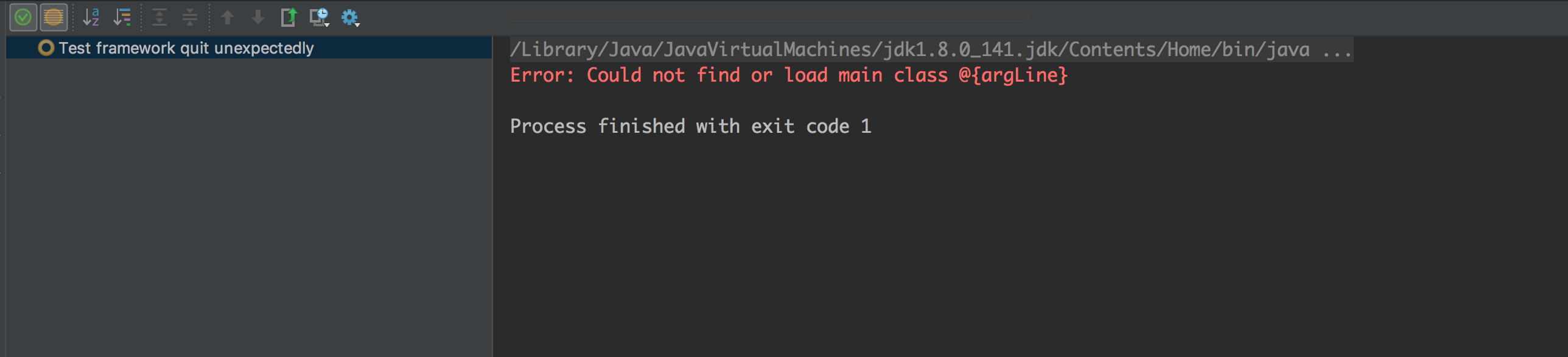
I looked up the project's pom.xml to see if something in there expects to see argLine. Did not find anything there, so I searched the parent pom. There it was, in all its shining glory.
The parent pom.xml has maven-surefire-plugin configuration that expects to see an argLine defined
<argLine>@{argLine} -Xmx2048m -Djava.awt.headless=true</argLine>
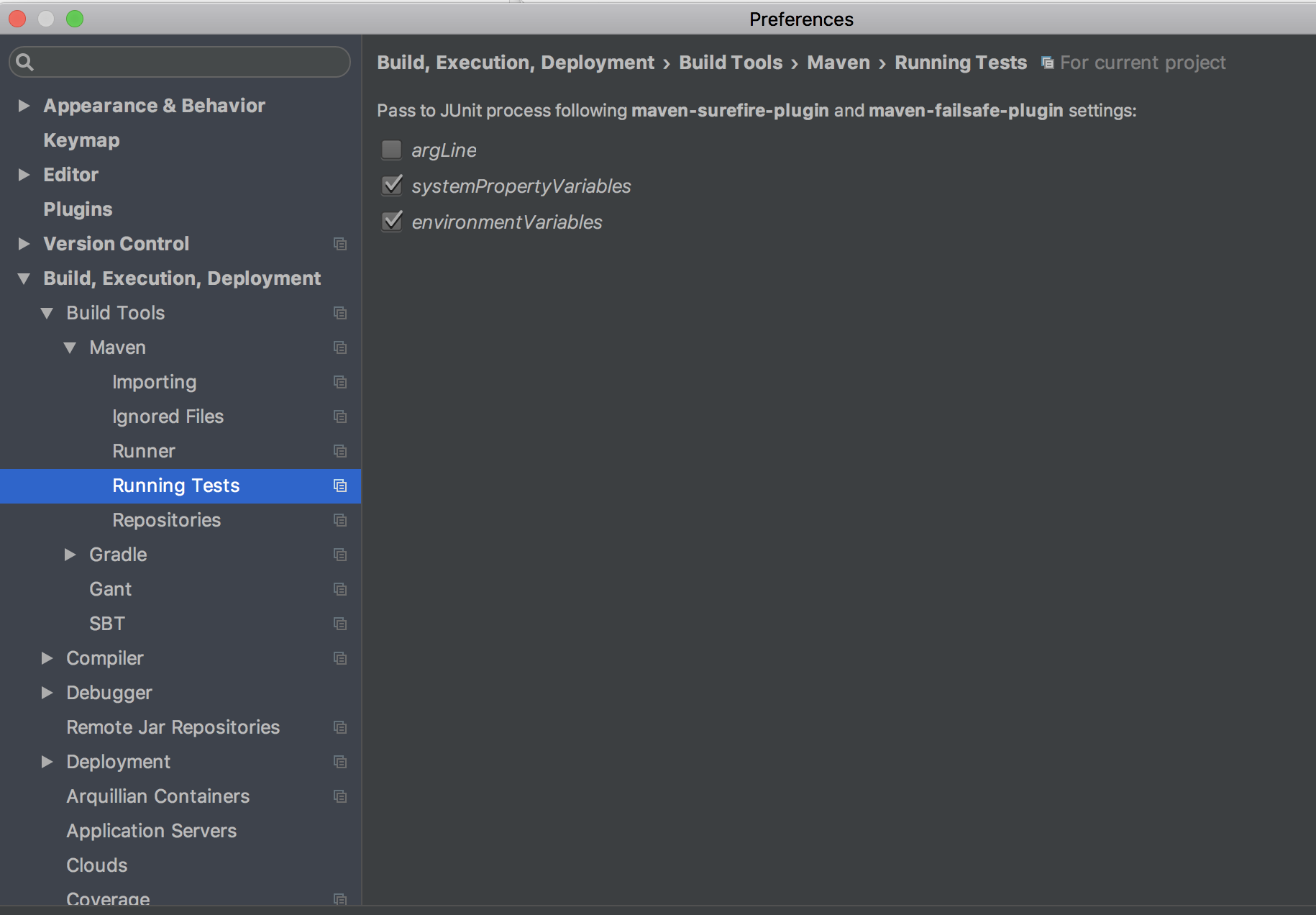
Because this property was not set, the tests would not run. A workaround to get past this, assuming you do not care about passing the argLine, is to uncheck the argLine checkbox in -
Preferences -> Build,Execution,Deployment -> Build Tools -> Maven -> Running Tests